Slot 55
What You’ll Need
Your division orders, if you have them. These are the documents your operator sent when each well first went into production , they state your exact decimal interest for that well. Division orders are helpful but not required to complete this step.
The Well Overwrites step is where you fine-tune the platform's automatic calculations to match what you actually own.
Why Overwrites Exist
When you drew your tract or uploaded your data, the platform estimated your decimal interest (NRI) for each well automatically. It does this by looking at how your tract boundary overlaps with each well's drilling unit, calculating your Net Royalty Acres within that unit, and deriving your estimated NRI from there.
This is a good starting estimate — but it is an estimate. Your actual NRI for a specific well may differ due to irregular boundaries, partial interests, or wells with unusual unit configurations. Overwrites let you replace the estimate with your real, known decimal interest for any well where you have a division order to reference.
How to Enter an Overwrite
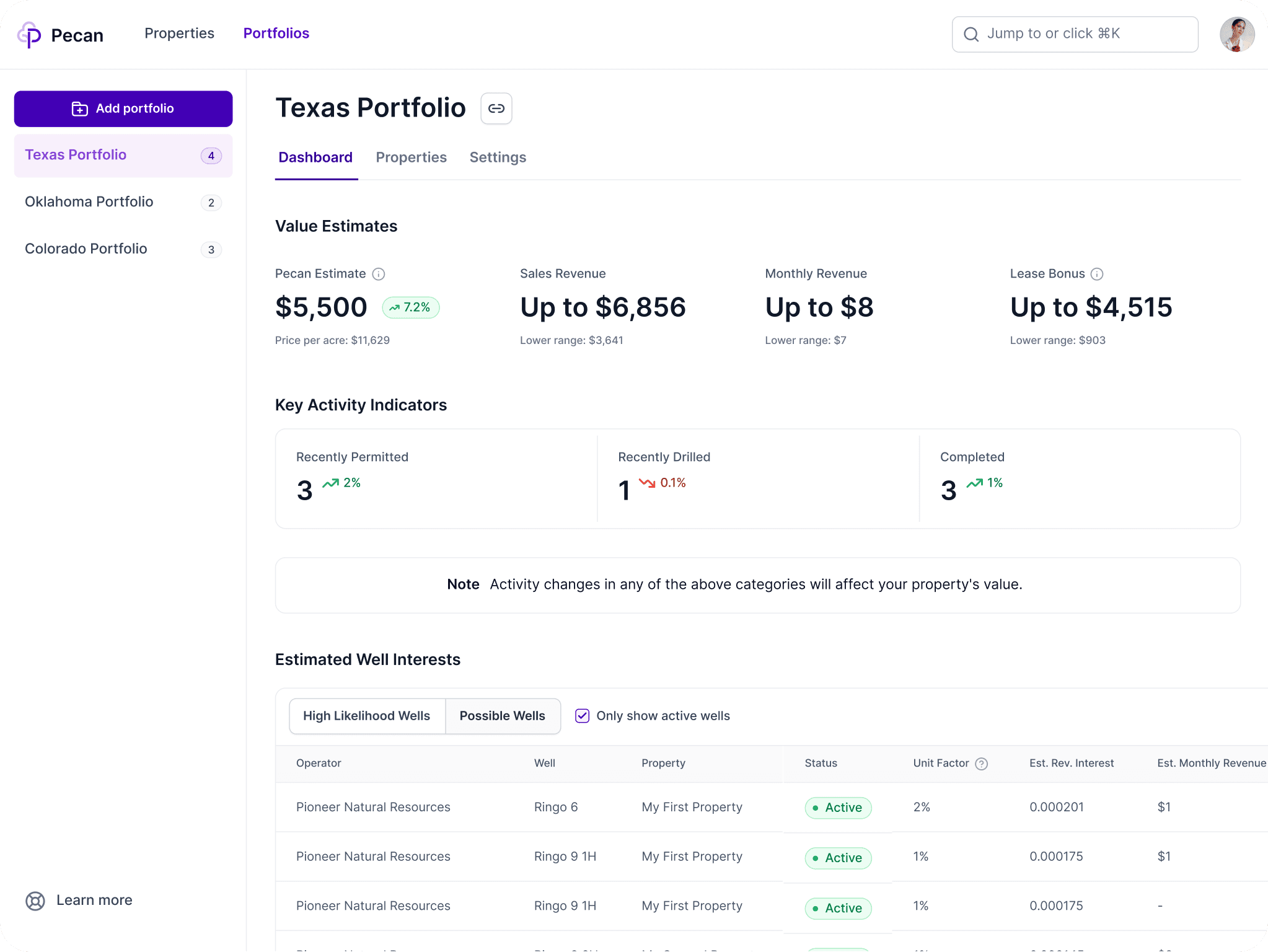
In the Well Overwrites screen, you will see a list of the wells associated with your tract, each showing the platform's estimated NRI. For wells where you have a division order, compare the estimated value against your actual decimal interest.
If a well's estimate looks off, click on it and enter your actual decimal interest. That value will replace the estimate for all calculations on that well — revenue estimates, valuation, everything.
You can also disable a well entirely if you know you have no interest in it despite the boundary overlap. Disabled wells are excluded from your portfolio and do not appear anywhere in your results.
Division Orders Are Optional
If you do not have division orders on hand, the platform's estimates are a solid starting point. You can complete this step now and come back to add overwrites later — anytime you receive a new division order or want to update a value, the overwrite panel is accessible from your tract detail view.
Next Steps
After reviewing and updating overwrites, confirm and move to the final step. See "Run KPIs and Read Your Results" to complete your tract setup.